

App Features
These features combine to give you a seamless, professional-grade sound analysis toolkit:
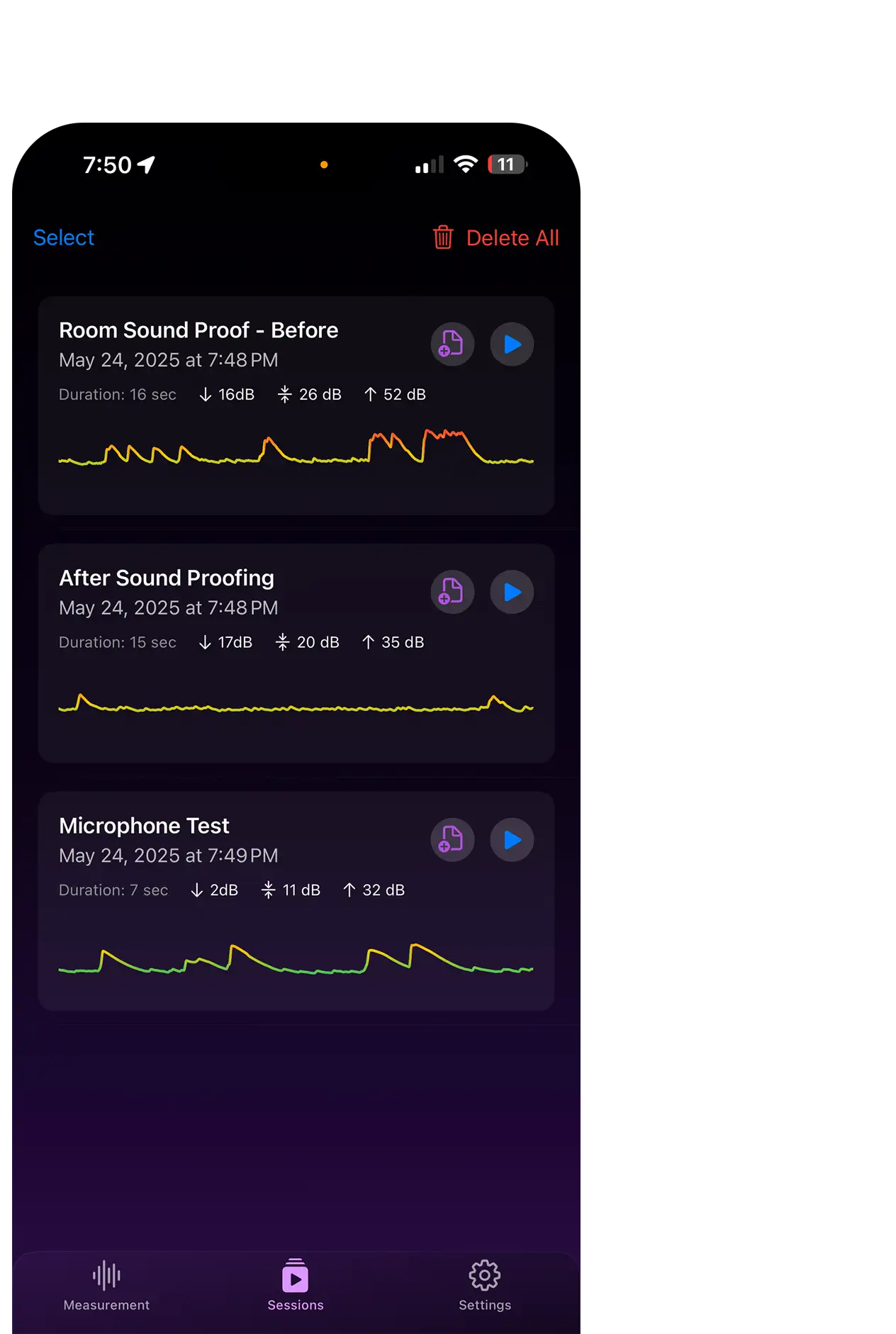
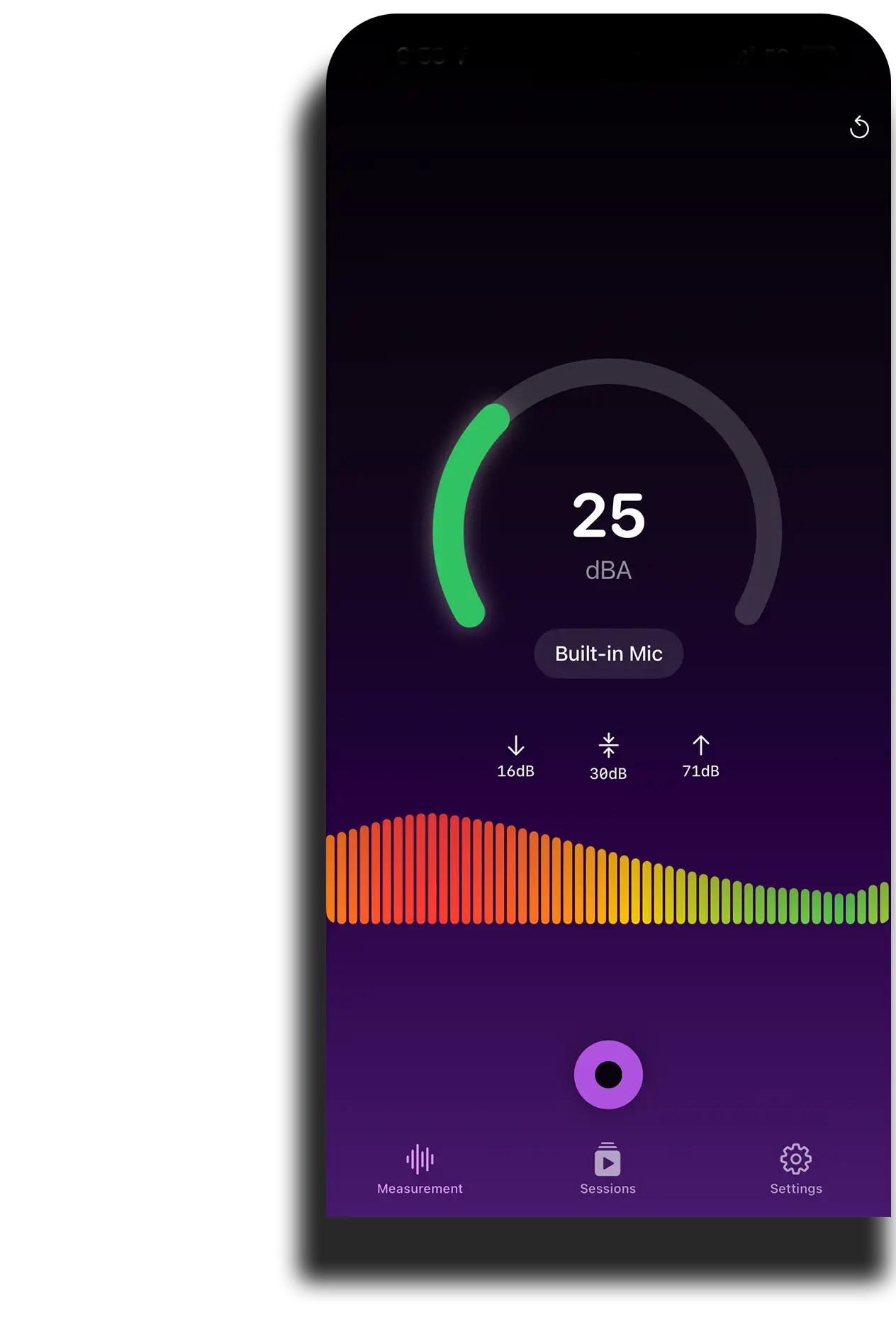
Waveform or Line Graph
Dynamic waveform or line graph showing sound fluctuations as they occur.
Mic Calibration
Adjust input sensitivity to ensure accurate and consistent measurements.
Session Recording
Capture sessions with optional audio recording controlled by an in-app toggle.
Session Statistics
View minimum, maximum, and average dB values calculated from your recordings.
PDF Export
Generate and share high-quality PDF reports of your session graphs.
Precise Audio Playback
Play back recordings with a dot that follows the waveform path for accurate review.
Any questions?
Check out the FAQs
Still have unanswered questions and need to get in touch?
Go to the Settings > Mic Calibration, play a reference tone, and adjust the slider until the displayed dB matches the known level. Calibration settings are saved automatically. Must be a PRO user to be able to adjust.
Yes—choose between the LiveSoundGraph (line graph) or WaveformView in Menu > Graph Options to suit your preference.
Session metadata is stored locally via UserDefaults. To sync, use iCloud or migrate your UserDefaults file manually.
The app uses AVAudioRecorder’s built-in metering, accurate within ±1–2 dB for most modern iOS microphones when properly calibrated.
You get up to 3 recording sessions, real-time decibel monitoring, live waveform view, and basic graph statistics (min/max/avg).